ReaderScribe is a complete digital reader and scribe platform built for South African classrooms. Text-to-speech in English and Afrikaans, real-time dictation, auto-saved answer sheets, locked submissions. Everything a learner with a reading or writing concession needs — at a fraction of the cost of a human reader or scribe.
Learners with DBE/SIAS-approved concessions rely on human readers and scribes during exams, and that cost usually lands on the parent. A human reader or scribe typically costs between R150 and R400, charged per hour or per paper depending on the person. Across a school year, that can add up to between R7 000 and R18 000 per learner, before travel, on top of school fees. It also needs dedicated rooms, trained personnel and coordination for every sitting.
The going rate for a human reader or scribe, charged per hour or per paper depending on the person — and it is usually the parent paying, every sitting, every term.
Every concession learner needs their own trained adult in the room, in real time, for every single exam — in a country already short of trained adults.
Two human scribes never transcribe the same way. Learners can't practise against what they'll actually face on exam day.
Reader, scribe, teacher dashboard, audit trail, secure submission — all in one platform, all in your language.
Click any question to hear it read aloud in English or Afrikaans. Learner-controlled pace, replay as many times as needed, no one hovering over their shoulder.
Learners dictate answers with real-time transcription. They can review, edit and correct before submitting — then lock it in.
Upload the exam once. Assign to any combination of learners. Watch live progress. Download answers as PDF or CSV and mark on hard copy when you're done.
Browser lockdown, full-screen enforcement, every keystroke timestamped, every submission immutable. A complete audit trail for exam integrity.
Every answer saved every 30 seconds. If the Wi-Fi drops, answers queue locally and sync the moment it returns. No learner loses an answer again.
Papers, answer sheets and every learner record are stored on Johannesburg servers, and backups stay in South Africa too. The read-aloud and dictation features use specialist speech providers abroad, and clips are sent without the learner's name, ID number or school. The optional question detect sends only the paper's text.
From paper in your inbox to marked submissions on your desk — without a single human scribe.
Drop the PDF in, choose English or Afrikaans, tick which learners sit this paper. Done in 60 seconds.
Learner signs in with their code, clicks to hear questions aloud, dictates answers, reviews them, submits.
Answers arrive in the dashboard as they're submitted. Download as PDF or CSV, mark on hard copy, archive for the year.
ReaderScribe runs in Chrome with nothing to install. To run it well on exam day, your school needs:
A school computer lab works best, with a supervisor in the room.
The same kind of headset used for online calls. Closed-ear headsets block out most of the room noise, and learners speak quietly into the microphone, so a full lab can sit at the same time without anyone hearing anyone else.
Answers auto-save every 30 seconds and queue locally if the connection drops briefly.
On the day, so a learner never loses time to a technical hiccup.
We ask your school's IT to set up a shortcut that opens ReaderScribe directly and does not allow learners to open new internet tabs. It keeps every learner inside the exam. We can share the setup details with your IT person.
Not sure your lab is ready? Book a demo and we will walk through it with you.
Ninety seconds, start to finish — signing in, hearing the paper read aloud, dictating an answer, and submitting. Recorded on the live system, nothing staged.
Names, ID numbers, concessions, answers and submission records sit on Johannesburg servers. Dictation clips go for transcription with no name or number attached, and are still treated as the learner's personal information.
Hosted in a Johannesburg datacentre.
Designed to support schools running approved concessions. Not endorsed by, and not a substitute for, DBE approval.
A South African recruitment platform.
ReaderScribe lees eksamenvrae hardop voor in natuurlike Afrikaans en skryf die leerder se gesproke antwoorde neer. Die leerder kan gewoon praat soos hulle met ’n menslike skriba sou praat. Die leerder kies die tempo. Die skool hou volle beheer oor die eksamen.
Wat jou skool nodig het: ’n rekenaar vir elke leerder, ’n oorfoon met ’n ingeboude mikrofoon, ’n stabiele internetverbinding en iemand met IT-ondersteuning byderhand. Ons verkies ook dat jou skool se IT ’n kortpad op elke leerder se lessenaar skep wat verhoed dat nuwe blaaieroortjies oopgemaak word.
Elke leerderrekord, dus name, ID-nommers, konsessies, antwoorde en indieningsrekords, bly op ons bedieners in Johannesburg. Om 'n vraag hardop te lees, word die vraagteks na 'n spraakdiens buite Suid-Afrika gestuur. Om diktering in teks om te skakel, word die leerder se klankgreep na 'n transkripsiediens buite Suid-Afrika gestuur, sonder naam, ID-nommer of skool. Rugsteunkopieë bly ook in Suid-Afrika. Ons verduidelik graag presies wat waar verwerk word. Ondersteun deur SkillRise Careers.
If your child qualifies for a reader or scribe, you may be arranging and paying for one yourself, at R150 to R400 per hour or per paper. Over a school year, that can add up to between R7 000 and R18 000, before travel, on top of school fees.
ReaderScribe is how a school can give your child that support consistently and at a high standard. Your child reads and answers in their own time, in English or Afrikaans.
ReaderScribe is sold to schools only, so parents cannot sign up or buy it directly. The school decides whether to use it. So the simplest next step is to ask: “Has our school looked at ReaderScribe?”
This opens a message to your school, not to us. If you do contact us directly, we will use your details only to answer you.
ReaderScribe exists so that learners who struggle to read or write can sit their exams on equal terms. Accessibility is the reason the product exists, not an extra.
In the exam screen, learners can have questions read aloud in English or Afrikaans, dictate their answers and see them as text, change the text size, and work with the extra time their school has set for them.
We have not yet had an independent accessibility audit, and we keep improving the platform as schools and learners tell us what gets in their way. If anything on this website or in the exam screen makes it hard for you or a learner to use, please tell us at ilonka@readerscribe.co.za or on 082 966 7207. We will fix it or find a workaround with the school before the learner's exam.
Every school gets the full ReaderScribe toolkit. Pricing simply scales with the number of learners with concessions at your school.
| Learners | Per month | Per year | |
|---|---|---|---|
| Up to 10 learners | R1,200 | R14,400 | Get Started |
| Up to 25 learners | R2,250 | R27,000 | Get Started |
| Up to 35 learners | R2,875 | R34,500 | Get Started |
| Up to 50 learners | R3,950 | R47,400 | Get Started |
| Up to 75 learners | R5,150 | R61,800 | Get Started |
| Up to 100 learners | R5,950 | R71,400 | Get Started |
| 100+ learners | Tailored quote — volume pricing, multi-campus / district | Request Quote | |
Once-off R8,000 setup fee — 30% refundable inside the 30-day satisfaction window if you’re not happy. The balance covers onboarding work already done. Refer another school and get 10% off for life. Five referrals and your subscription is free.
Grades 8 to 11. Your school can start using it directly. Grade 12 (NSC) exams need Department of Education approval, which we are working toward over time. We only promise what is working today.
Not for Grades 8 to 11. Learners still need an approved concession through your school's normal SIAS process. ReaderScribe replaces the human reader or scribe, not the concession. Use remains subject to your school's own assessment rules and any applicable provincial or DBE requirements. We are not a substitute for approvals your school already needs.
Every learner wears a headset with a built-in microphone. The headset blocks out most of the room noise, and because the microphone sits close to the learner's mouth, they only need to speak quietly. Their voice is picked up clearly without carrying across the room. Book a demo and we will show you with your own headsets.
A computer, a headset with a microphone, and a stable internet connection for each learner, plus someone with IT support on the day. We also prefer that your school's IT sets up a desktop shortcut on each learner's computer that does not allow new internet tabs to be opened. See “What your school needs” above.
Yes. Reader and Scribe both work in natural English and Afrikaans, using Microsoft Neural voices.
Yes, in both English and Afrikaans. Scribe works like the voice assistants and voice typing most people already use: learners speak naturally, at a normal pace, the way they would to a human scribe, and their words appear on screen. Very heavy accents can be harder for any speech recognition to pick up, so book a demo and try it with your own learners' voices. Learners always review and edit the text before submitting.
Answers auto-save every 30 seconds and queue locally, then sync when the connection returns.
Each exam is opened with a one-time launch token and can be restricted to your school's network. Every entry is timestamped and the teacher sees integrity alerts live. Your school stays responsible for the device, the network and invigilation in the room, the same as with a paper exam.
Yes. Learners review and edit their dictated answers before submitting, and the teacher downloads the final answers as PDF or CSV for marking.
Every learner record — names, ID numbers, concession details, answers and submission records — is held on our servers in Johannesburg and stays there. To read a question aloud, the question text is sent to a speech service outside South Africa. To turn dictation into text, the learner's audio clip is sent to a transcription service outside South Africa, with no name, no ID number and no school attached, and the transcript comes back and is stored in Johannesburg. Backups stay in South Africa too. We do not present that as making the recording anonymous: a learner's voice can still identify them, so we treat those clips as the learner's personal information throughout. Retention is set out in your school agreement, and we will take your IT or governance lead through exactly what is processed where.
Monthly pricing scales by number of learners, plus a once-off R8,000 setup fee. 30% of the setup fee is refundable within 30 days. See Pricing above.
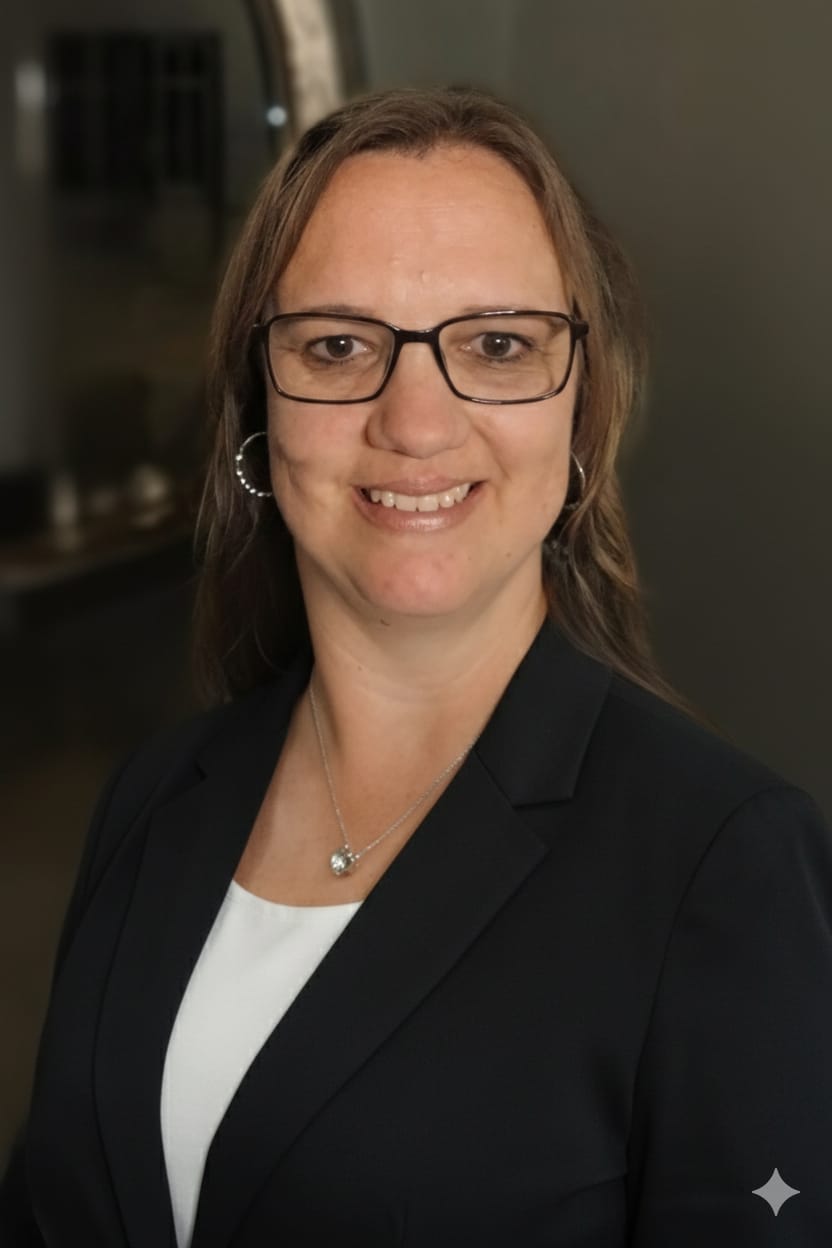
“I spent three and a half years in a school office coordinating readers and scribes, and then trained and certified as one myself. I saw how much depended on who happened to be available that morning. ReaderScribe is what I wish those learners had had: the same quality support, every exam, every time.”
Book a 20-minute demo with our team and see ReaderScribe working on a real exam paper from your subject — in your language.